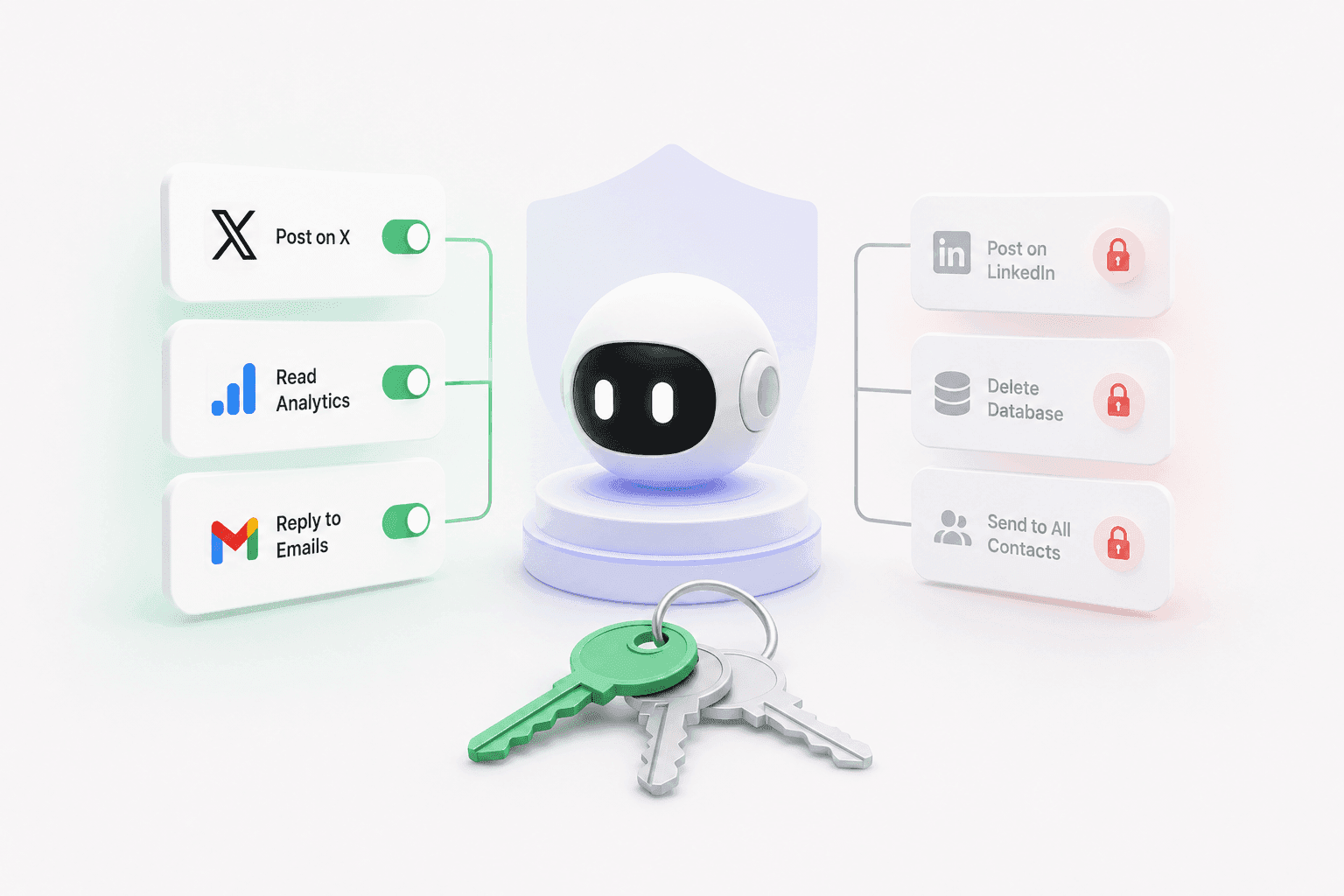
Keys to the House, Not the Car
Give your agent access to X but not LinkedIn. Granular control without the complexity.
Give your agent access to X but not LinkedIn. Granular control without the complexity.
You trust your AI agent. Mostly.
You want it to post on X. You want it to check your analytics. You want it to reply to customer emails.
You do NOT want it posting on your LinkedIn. Or sending emails to your entire contact list. Or deleting your database "to clean things up."
The question is: how do you give your agent freedom without giving it the run of the house?
The Problem
Most tools have two permission modes:
All access. Your agent can do everything. Post to every platform. Read every email. Delete every file. One compromised prompt and it's chaos.
No access. Your agent can't do anything useful. You have to manually approve every single action. You might as well do it yourself.
There's no middle ground. You're either handing over the keys to everything, or you're babysitting every click.
The Solution
Penut's permission system uses scopes that match exactly what your agent can do.
integration:x:posts:create — your agent can post to X.
integration:linkedin:posts:create — your agent can post to LinkedIn.
db:sql:query — your agent can read the database.
db:sql:execute — your agent can write to the database.
You grant the scopes you want. You deny the ones you don't. Your agent can only do what you've explicitly allowed.
It's not all-or-nothing. It's exactly what you need.
What You Get
Granular control. Give your agent access to X but not LinkedIn. Let it read analytics but not post. Allow database queries but block deletes. You decide, down to the individual action.
Wildcards for speed. Don't want to grant 20 permissions one by one? Use integration:x:* to give access to everything on X. Or db:* for full database access. Broad strokes when you want them, fine control when you need it.
Deny always wins. You can grant broad access and carve out exceptions. db:* allows everything. db:sql:execute denied blocks all writes. The deny always takes priority. Safety by default.
Per-agent permissions. Your X-posting agent gets social scopes. Your data agent gets database scopes. They can't cross the streams. One rogue prompt can't take down your whole operation.
Frozen scopes for deployed code. When you deploy a code function, its permissions are locked in. It can't ask for more access later. No scope creep. No "I just need one more permission, I promise."
Real-World Example
You have three agents working for you:
Social Agent — gets integration:x:*, integration:linkedin:*, integration:instagram:*. Can post, read, and manage all your social platforms. Can't touch your database. Can't send emails.
Data Agent — gets db:sql:query, integration:posthog:*. Can read your database and pull analytics. Can't write to the database. Can't post to social media.
Email Agent — gets integration:gmail:messages:send. Can send emails using your templates. Can't read your entire inbox. Can't post to social media. Can't touch the database.
One agent goes rogue? The blast radius is tiny. The social agent can't delete your data. The data agent can't embarrass you on LinkedIn. The email agent can't post memes to your company page.
What This Means for You
Trust with boundaries. You can give your agent real freedom because you've defined exactly where the fences are.
No more "all or nothing" anxiety. You're not choosing between total control and total chaos. You're picking exactly what each agent can do.
Mistakes are contained. A bad prompt, a hallucinated action, an overzealous automation — it hits the permission wall before it hits the real world.
Scale safely. Add more agents. Each one gets only what it needs. Your permission model grows with your operation without getting more complex.
Next Step
Look at what your agent does today. Break it into scopes. Grant only what's needed. Watch how much more comfortable you feel giving it freedom.
Ready to give your agent the right keys? [Sign up for Penut](https://penut.ai) and set up scoped permissions today.
Next up: I Found a Recipe That Runs My Entire Onboarding Sequence — pre-built workflows, one command.